Migrating from HubSpot to Payaca: what actually moves (US installer guide)
Decision-stage migration guide for US clean-energy installers leaving HubSpot. What imports cleanly, what doesn't, what HubSpot stays good at, and how to sequence a 4-week cutover without losing project history or AHJ permit state.
You've already had the conversation. Someone on the install side has shown the team a Trello board of jobs that aren't in HubSpot. The COO has noticed that the seat bill keeps going up while adoption keeps going down. You've decided. This isn't the post about whether to leave HubSpot. This is the post for the week after, when the operations lead opens a blank doc and writes "migration plan" at the top.
Honest version: moving from HubSpot to a US install ops platform is not a one-click import. It's a 4-week project. You decide upfront what's a CRM record (moves) and what's an operational record (rebuilds), keep HubSpot running for the marketing layer, and cut over project-by-project rather than big-bang. Done that way, AHJ permit submissions don't slip and customer comms don't blink. Done the other way, your install team loses a week to data archaeology while your inspector is asking when the framing inspection is scheduled.
What this guide covers
What HubSpot data imports cleanly into Payaca and what doesn't (and why custom objects rarely survive an export)
How to keep HubSpot in the stack as a marketing/lead-gen layer post-migration (most teams do)
The US-specific records HubSpot was never modelling: Authority Having Jurisdiction (AHJ) permit state, Investment Tax Credit (ITC) documentation, contractor license and North American Board of Certified Energy Practitioners (NABCEP) certification tracking. All tracked against the project record on the way in
A 4-week cutover sequence used by install teams in the 10-50 staff range, with the morning-of-cutover pre-flight (franchise and enterprise networks follow a different pattern, noted below)
When not to migrate, and the cases where HubSpot is still the right answer
Prefer to walk through this with us?
We've worked with clean-energy install teams migrating off HubSpot. Book a 30-minute migration walkthrough and we'll map your specific HubSpot setup to a Payaca workspace, including AHJ permit state, ITC documentation, and certification tracking.
Here's the part that matters. The records HubSpot models well are also the records that import cleanly. The records HubSpot has never modelled, the operational ones, are the ones you rebuild on the way in.
How HubSpot's data model maps to Payaca's
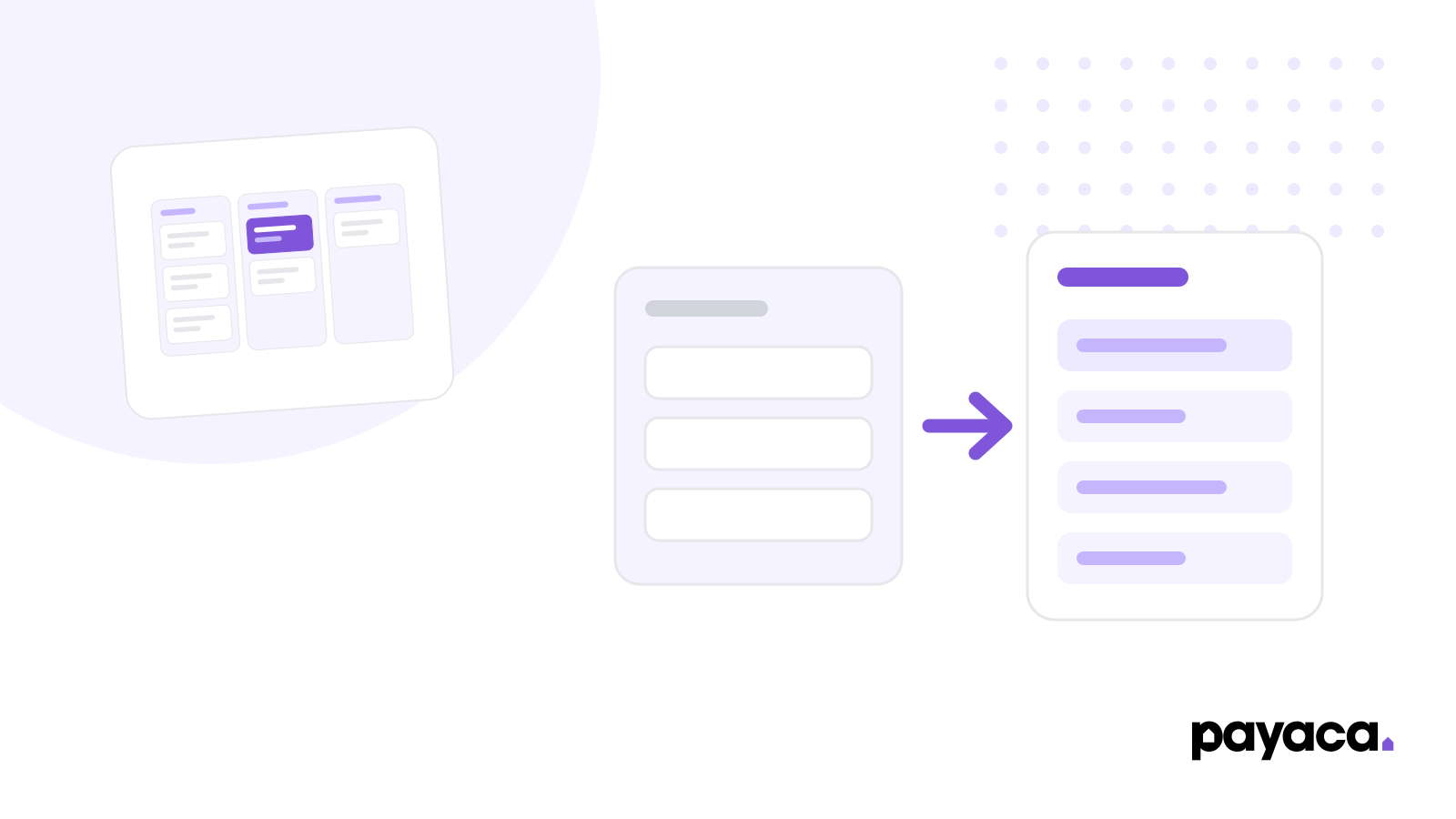
HubSpot has flat Contacts and Companies. Payaca nests them: a Customer is the entity (person or company), with Customer Contacts and Addresses as linked records, and a Project is the unit of work linked to one Customer. Most B2C migrations turn each HubSpot Contact into a Payaca Customer (with themselves as the primary Customer Contact). B2B migrations turn HubSpot Companies into Customers and the Contacts associated with them into Customer Contacts under the same record.
Doesn't move (rebuilds on import)
AHJ permit state. Was never a HubSpot field
Permit and inspection submission packs (per jurisdiction)
Utility interconnection application state and net-metering paperwork
Bill of materials (BOM) tied to install date and engineer cert
NABCEP and contractor license numbers, captured against the job they were used on
Multi-option proposals (HubSpot is one quote per deal)
Mobile-captured commissioning forms with photos
Service-plan recurrence and warranty windows
Imports cleanly from HubSpot
Contacts (homeowner / commercial)
Companies (commercial accounts, general contractor (GC) partners, engineering, procurement and construction (EPC) partners)
Deal records (with stage history)
Deal-to-contact and deal-to-company associations
Notes and call logs (as activity history)
Email history per contact
Custom-property values (where they fit Payaca's schema)
The rebuilds list is the reason you're migrating in the first place. Those records were never inside HubSpot. They lived in a folder structure on Drive, a shared spreadsheet, a separate permit-tracking tool, or your project manager's head. Migration isn't moving them out of HubSpot. It's moving them into a system where they're fields, not attachments.
The most common pattern post-migration isn't "HubSpot is gone." It's "HubSpot is the marketing layer." You keep it for:
Inbound forms on the website (lead capture from your "get a quote" pages)
Marketing email sequences and homeowner nurture flows
Newsletter and re-engagement campaigns
Top-of-funnel attribution back to ad spend
That decision usually saves you the upgrade jump from Sales Hub Pro back down to Marketing Hub Starter, and HubSpot's free CRM tier covers the contacts. We had a customer ask us a few months back whether they could "link Payaca customers back to HubSpot for better nurture emails." That's the right instinct. The operational record lives in Payaca. The marketing nurture layer can stay in HubSpot, or move to Mailchimp, Customer.io, or whatever your marketing person actually uses. The project record stops being a HubSpot deal.
A clean two-system pattern looks like this. Lead enters HubSpot via web form. HubSpot scores and qualifies. Once it's a real opportunity, the contact is pushed into Payaca via Zapier or the API. From the moment a quote is being built, Payaca is the source of truth. The deal stops being a HubSpot deal and becomes a Payaca project. HubSpot keeps the contact for marketing. Payaca runs the rest. No double-entry; clear handoff.
This is the part of the migration that's easy to underestimate. US install ops compliance is a sequence of stage-gates with jurisdictional deadlines and inspection sign-offs that don't exist in a HubSpot deal pipeline.
AHJ permit state. Authorities Having Jurisdiction vary by city, county, and sometimes utility service area. A residential solar install in California might touch building, electrical, structural, and fire department reviews. In HubSpot, this was either custom dropdowns on a deal, attached PDFs, or, most often, a reply email from the AHJ sitting in someone's inbox. Customers commonly model AHJ permit state as a project-level fieldset on Payaca so the office can see it against the project rather than chasing inboxes.
Inspection scheduling tied to permit state. Framing, rough-in, and final inspections each have their own dependencies. A generic CRM has no way to model "this inspection follows the AHJ permit and depends on engineer certification for that jurisdiction." On Payaca, inspections live alongside the project as scheduled events, not detached calendar reminders.
Utility interconnection application state. Net-metering applications, interconnection agreements, and Permission to Operate (PTO) status all have their own lifecycles independent of the install. PTO state in particular determines whether the system can be commissioned and whether the homeowner is generating credits. HubSpot has no concept of this. Customers model interconnection and PTO state as a project-level fieldset on Payaca so the install team can see where each project sits with the utility.
Incentive documentation evidence. Any incentive claim runs on a documentation chain (date placed in service, system cost basis, eligibility evidence) that has to be captured at commissioning, not retrofitted six months later when someone is filing. Which claim it feeds has changed: the residential clean energy credit under Section 25D, the one homeowners claimed on IRS Form 5695, was terminated for expenditures made after 31 December 2025, so on new customer-owned residential work the evidence that matters is increasingly the state program's or the utility's. Commercial and third-party-owned systems claim under Section 48E. In HubSpot this lives as PDFs attached to a deal. Payaca keeps these documents tied to the project's install record so they're together when the filing needs them.
NABCEP and contractor license tracking. Engineer certifications determine which jobs they can complete and which inspections they can sign off. NABCEP certification has a renewal cadence; state contractor licenses have varying expiration cycles. HubSpot was never modelling this. Neither does Payaca as a per-employee register: custom fields attach to projects and customers, not to staff, so the renewal-date register stays wherever your staff records live. What Payaca does hold is the certification and license number captured against the job it was used on, which is what the permit packet and the incentive claim actually ask for.
If your team has been keeping any of this in spreadsheets, Drive folders, or a separate permit-tracking tool, the migration is less about moving data and more about formalising data that was never properly modelled.
Most install teams in the 10-50 staff range run this as a 4-week project, parallel to live business. Some teams stretch it; others compress it under pressure. Four weeks is the sweet spot for SMB and mid-market: long enough to do this without panic, short enough that nobody loses focus. (Franchise networks and enterprise programmes, multi-state operators and utility-led schemes, run a different shape: staged regional rollouts with a parallel pilot. If you're 100+ install staff, get in touch and we'll walk through the franchise pattern.)
Week 1, decisions and exports. Document the system. Map every HubSpot custom object, custom property, and pipeline stage to either "moves to Payaca," "stays in HubSpot for marketing," or "doesn't move, was never useful." Run the HubSpot exports: Contacts, Companies, Deals, Notes, Activity. Most teams find a meaningful chunk of their custom properties were unused or duplicate.
Week 2, import and reconciliation. Customer data goes in via Payaca's CSV import for self-serve migrations, or via the REST API or MCP server for larger imports, which preserves more of the relationship data and avoids the one-row-per-customer ceiling that CSV imposes. On Growth-tier accounts, this is the step Payaca's onboarding team runs for you: relationships, custom-field mappings, and document attachments handled end-to-end via the API. Deal records become Payaca projects, with the historical pipeline stage preserved as a status note. This is the week your migration lead confirms the imports landed, runs sample queries, and signs off that "the homeowner who paid us in February is now in Payaca with February's invoice attached."
Week 3, workflow build. This is the week that surprises people. You're not rebuilding HubSpot in Payaca. You're rebuilding the workflows you couldn't build in HubSpot. AHJ permit tracking, utility interconnection states, finance approval steps, commissioning sign-off. If your team has been running automations in HubSpot, audit each one: most don't survive because they were patching a data-model gap that doesn't exist on the other side.
Week 4, cutover. New work starts in Payaca. In-flight projects either finish in HubSpot if they're past install or move to Payaca if they're pre-install. We recommend a project-by-project cutover, not a big-bang. The two systems run in parallel for the back end of week 4 while the team gets confident. By Friday afternoon, HubSpot stops being the source of truth for new operational work.
By the end of week 4 the team is on Payaca. HubSpot is still running for marketing. The team isn't double-keying.
Cutover day is where most migrations either go cleanly or unravel.
Customer comms inbox is forwarded. Email replies that used to land in HubSpot's conversation tool get routed into Payaca's Inbox and assigned to the project. This is the single biggest "we forgot that" point in real migrations.
The team's calendar invites are migrated. Site-survey and install bookings live in your scheduling tool, not HubSpot. But the link from the calendar event back to the project record needs to exist before the cutover, or your engineers turn up to a job they can't open.
AHJ portal logins are documented. These aren't migrated (they're external jurisdiction portals), but the credentials and submission states need to be visible to the new ops workflow on day one.
Finance integration is dry-run. QuickBooks or Xero reconciliation against the new project records, not the old HubSpot deals. Run one cycle of invoices through end-to-end before you flip the switch.
Mobile app is on every field engineer's phone. Field staff stop being a data-quality problem the moment they're capturing on the truck, not the office capturing for them.
You're under 5 install-staff and HubSpot's free tier is genuinely enough for what you do
You're a lead-aggregation business that hands installs to sub-contractors. You don't need an operational system, you need a deal-flow system, and HubSpot is fine
You're in the middle of peak install season and don't have ops bandwidth for a 4-week migration project. Wait until the demand cycle dips
Your install volume is below 10 jobs a month. The data-model pain isn't real yet
If none of those apply, and you've been doing the spreadsheet shuffle for more than 6 months, you've already paid the cost of staying. The migration is just where you stop paying it.
The metric we ask teams to track 90 days post-migration is not "did we save money on CRM seats." It's "how many projects went from signed contract to PTO without a single piece of data being re-typed." The gap between that number on month one and that number on month three tells you whether the migration worked.
Pricing-wise, teams that consolidate often find their effective software bill goes down because the field-app licenses, the separate scheduling tool, and the parallel ops spreadsheet all collapse into the operational platform. Specifics depend on team size and tier. We publish current pricing on the pricing page rather than in a blog post, because it changes.
If you're at the "blank document with 'migration plan' at the top" stage, book a walkthrough and we'll talk through your specific HubSpot setup. We've seen it before, the patterns repeat, and you don't need to invent the playbook on your own.
Mid-sized US solar and clean-energy installers spend two engineers a year keeping a bespoke CRM alive that handles maybe 60% of the workflow. Permits, AHJ inspections, NEM interconnection and incentives end up on spreadsheets. The real cost of the build, and what the off-ramp usually looks like.
US solar installers don't have one national permitting clock - they have as many as they have AHJs. Here's what that variance actually costs a growing install business, backed by NREL data.
The ten tools a US solar installer with 10 staff or more actually shortlists, what each is best for, how each prices, and where each stops once a job moves into permits, interconnection and inspections.