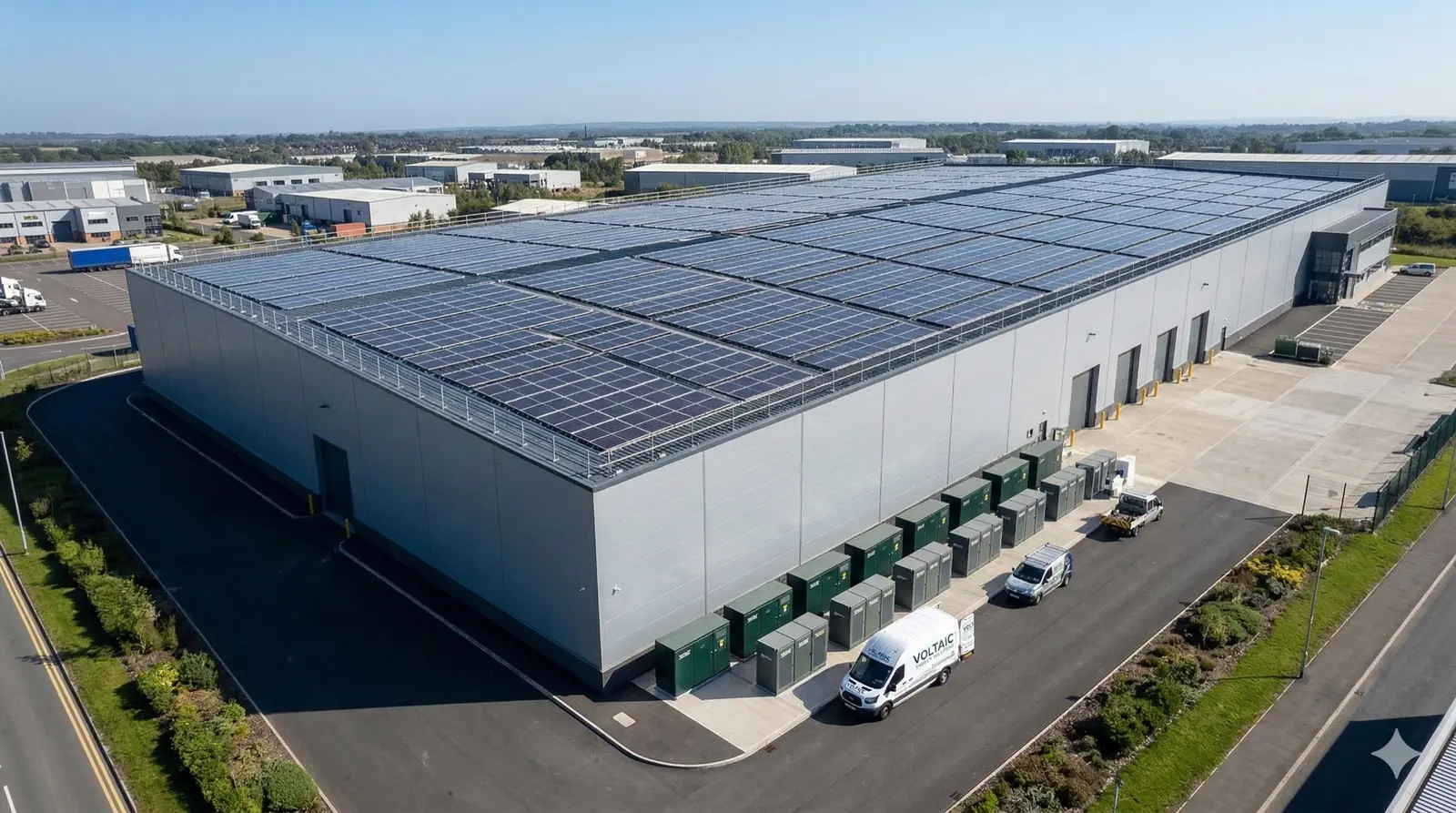
Run more installs without losing control
Automate the repetitive tasks that slow you down. Trigger actions based on events, send communications automatically, and keep your pipeline moving without manual intervention.
Every installation business has repetitive tasks that consume hours. Chasing quotes, sending reminders, updating statuses. Payaca's automation engine handles these automatically.
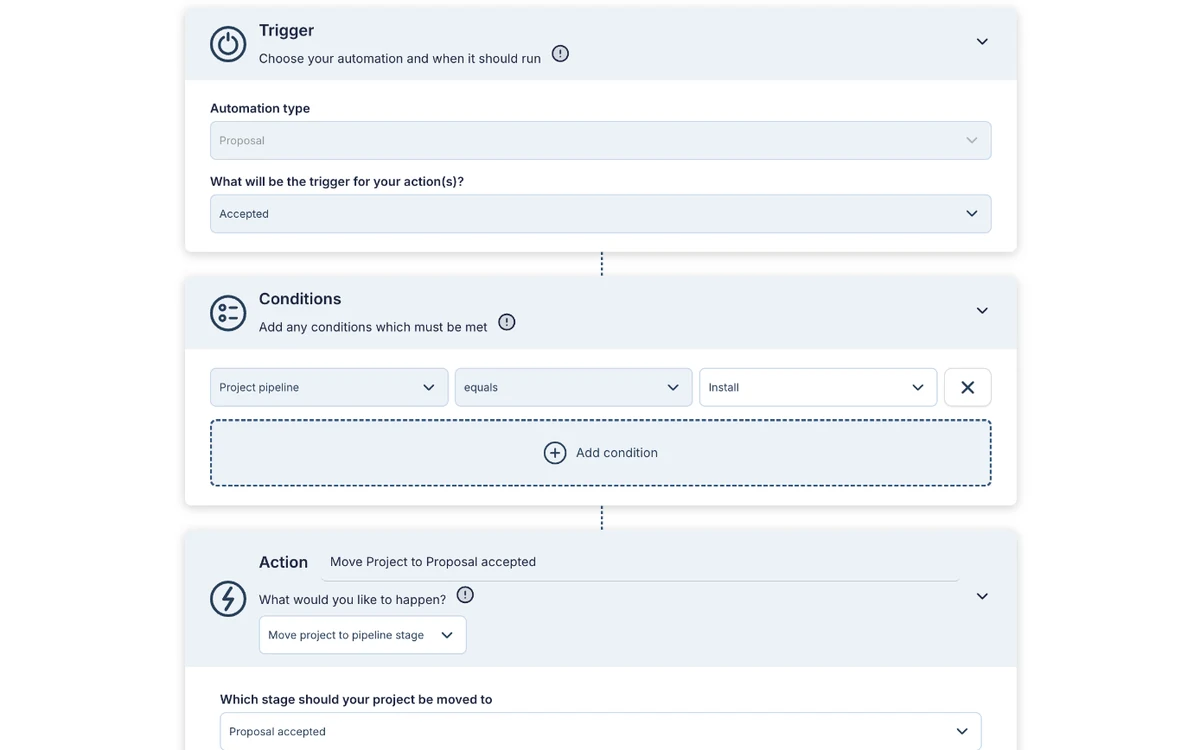
Build visual workflows on the triggers that matter. When a quote is accepted, schedule the install and send the confirmation. When a job completes, generate the invoice and request a review.
The tasks those workflows create come out ready to run, too. Task templates carry a default assignee and deadline, so the moment a customer signs, the next steps appear on the right person's list with a clock on them, instead of sitting unassigned and undated waiting for someone to notice.
Your rules, running automatically in the background.
What's included
Everything you need to run more installs without losing control.
Workflow builder
Create custom automations with our visual builder. When a quote is accepted, schedule the install. When a job completes, send the invoice. Your rules, automated.
Event triggers
Automations trigger on projects, proposals, invoices, events and documents. A quote sent, a payment received, a document signed, a stage change, a form submitted, or a webhook from another system.
Scheduled actions
Set timed automations for follow-ups, reminders, and recurring tasks. Chase overdue quotes after 3 days. Fire pre-service campaigns 1 week, 1 month, or 3 months before a scheduled appointment. It's ideal for annual maintenance reminders.
Automated communications
Send emails and SMS automatically when a trigger fires. Appointment confirmations, payment reminders and completion surveys go out without anyone typing them.
Frequently asked questions
- What can I automate in Payaca?
- You can automate quote follow-ups, appointment reminders, job scheduling, invoice generation, payment reminders, status notifications, email sequences, and custom workflows. Triggers cover projects, proposals, invoices, events and documents, including the moment a customer signs, so confirmations go out and the job moves to the next stage without anyone chasing.
- Can automations create tasks with the right assignee and deadline?
- Yes. Task templates carry a default assignee (a named user, or dynamically whoever owns the project) and a deadline offset, so every task an automation creates arrives assigned by default with a real due date. Those are the two fields someone typed on every job, and the ones most often skipped.
- How do workflow automations work?
- Use Payaca's visual workflow builder to create automations. Set a trigger (e.g., quote accepted), define actions (e.g., schedule install, send confirmation email, create invoice), and the system runs them automatically.
- Can Payaca send automated follow-up emails?
- Yes. Set timed automations to chase overdue quotes, send appointment reminders, request reviews after completion, and follow up on lapsed customers. All communications are personalised with project data.
- Do I need technical skills to set up automations?
- No. The visual workflow builder is designed for non-technical users. Select triggers, choose actions, and set conditions. Or describe it to Agent Dave, the AI built into Payaca. He proposes the trigger, conditions and actions, creates the automation switched off for you to review, and you switch it on.
Ready to run your whole install business in one system?
Growing installers run their whole job on Payaca, from quote to final payment. We'll handle your workflow mapping and data migration.