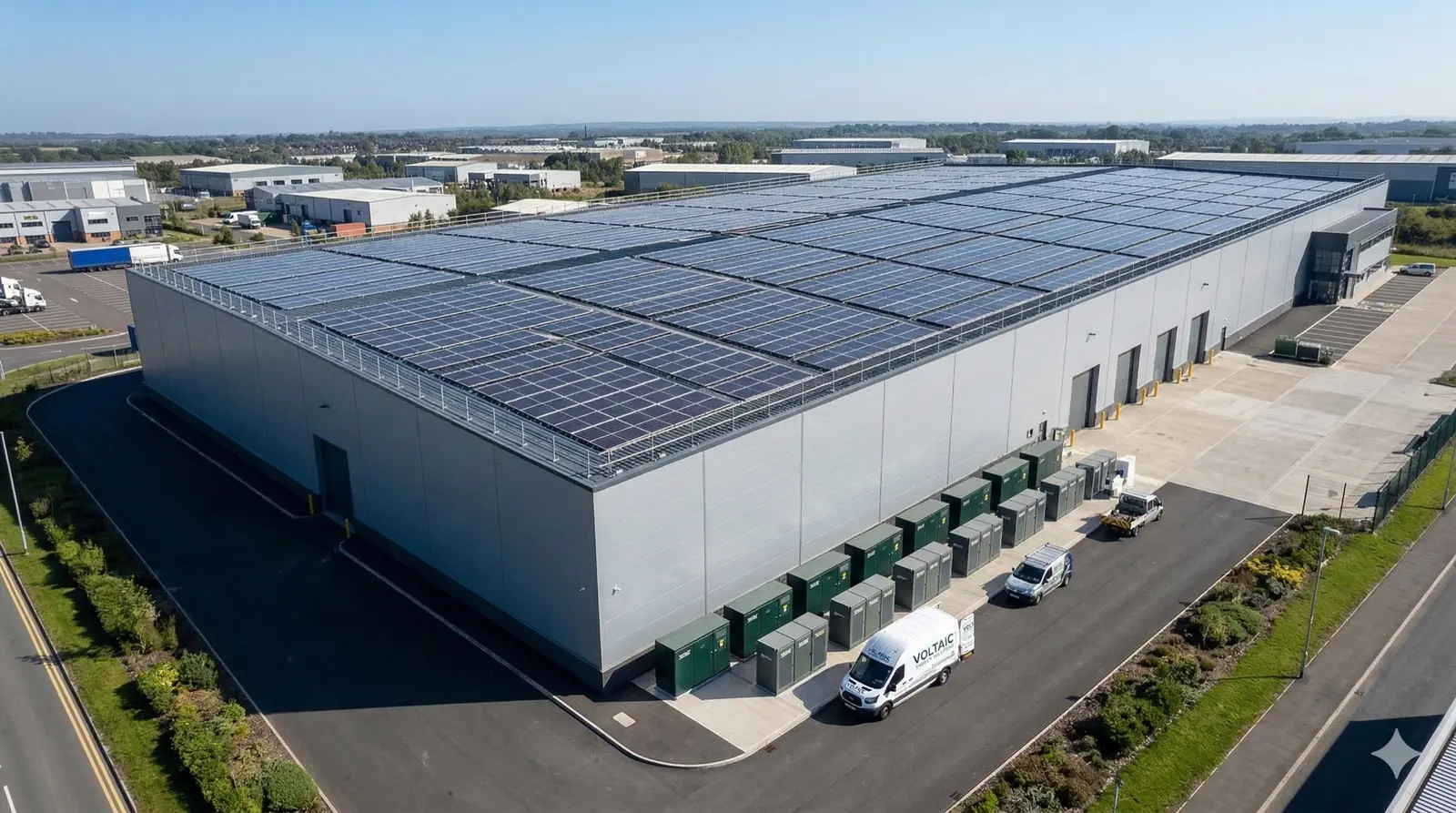
Capture what your jobs need, then turn it into your own documents
Build fieldsets for projects and customers with the field types your surveys, permits and commissioning actually use, and generate branded PDFs from the answers. Agent Dave, the AI built into Payaca, builds them with you.
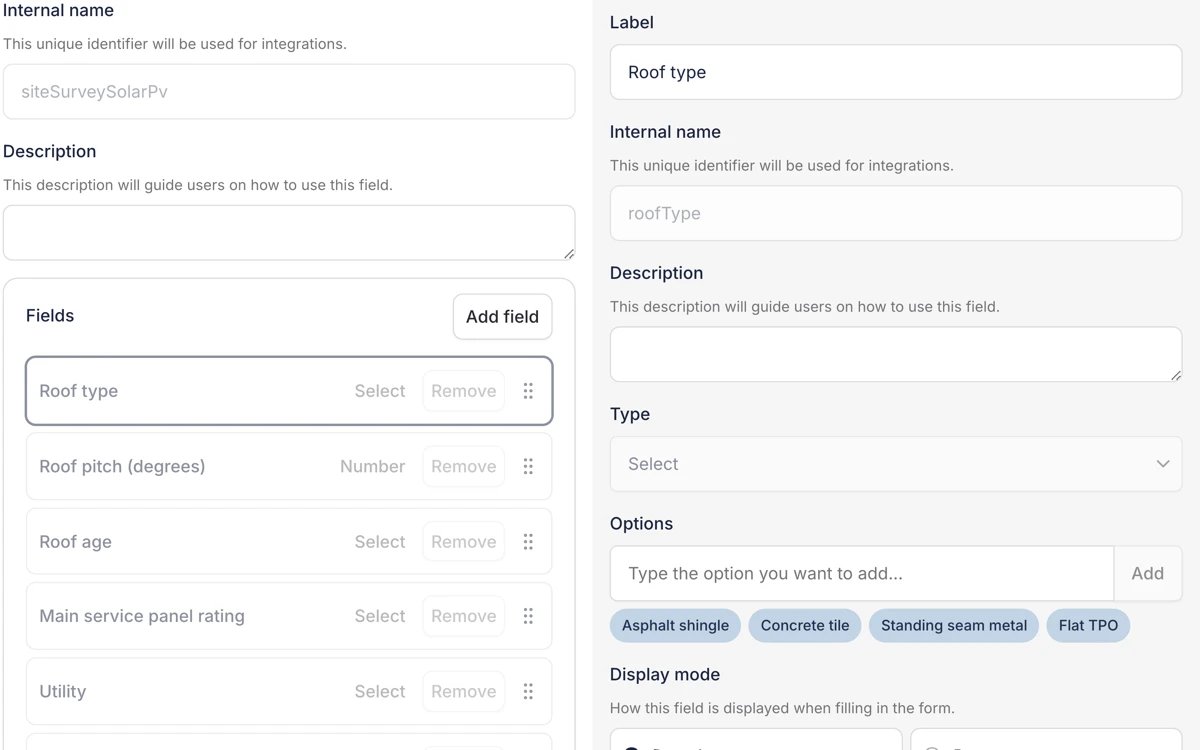
Every install business records things a generic CRM has no field for. Roof pitch, string test readings, the permit number, the date the utility granted Permission to Operate. Custom fields give that data a structured home on the project or the customer, where your documents, automations and reports can use it.
Documents are built on the same data. Fill in the fieldset on site or in the office, generate the document, and it comes out filled in, in your branding, on the project it belongs to.
Related reading
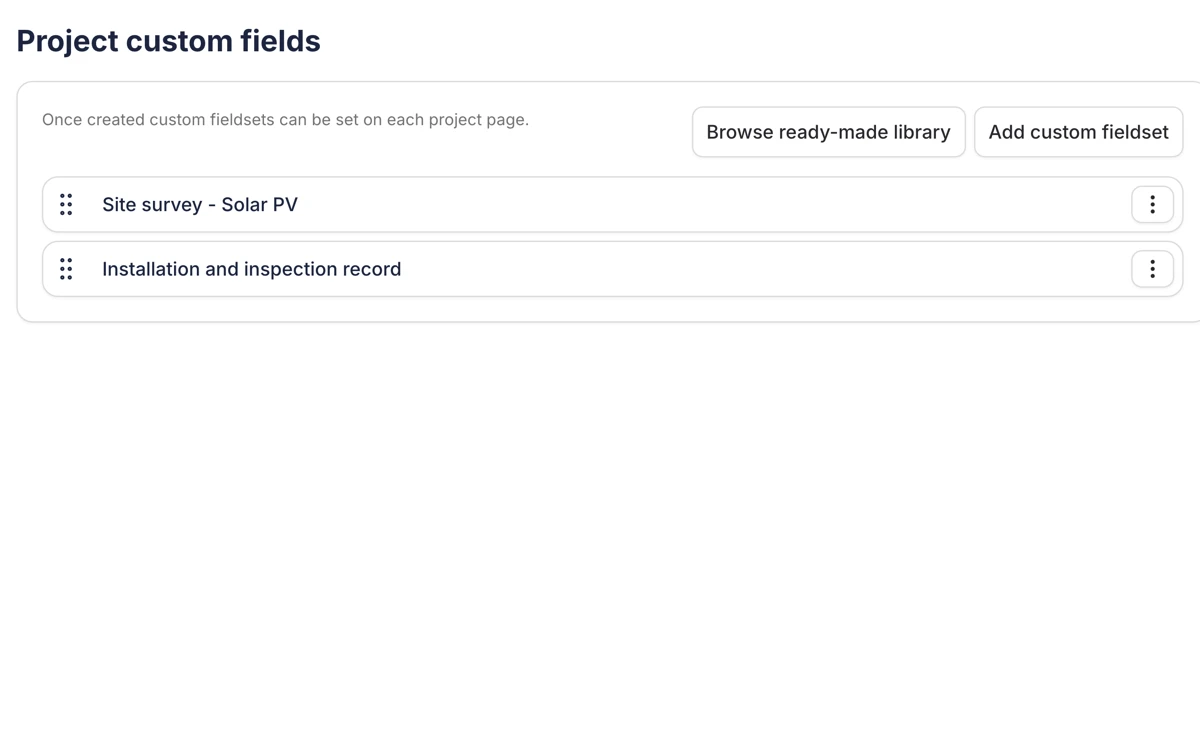
Fieldsets on projects and customers
An admin sets fieldsets up once, in settings, for projects or for customers. Project fieldsets hold the job's data, such as the site survey, the permit record and the commissioning checklist. Customer fieldsets hold what is true of the person on every job.
A project shows the fieldsets that have data in them, with the rest one click away, so a solar job is not cluttered with heat pump questions.
Fields that fit the data
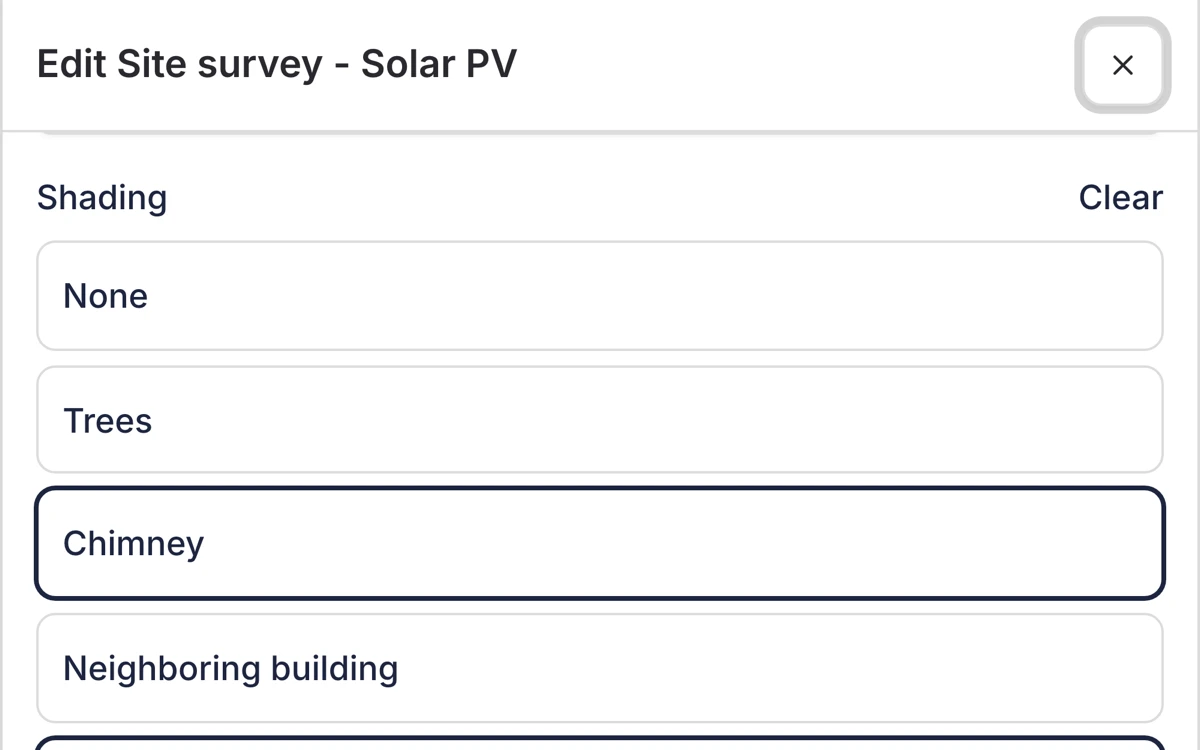
Each field has a type. Number for the roof pitch. Select for the roof type, where one answer is true. Multi-select for the extras quoted, where several can be. Text for notes, dates with a date picker, and uploads for site photos and test results.
Choice fields show as buttons your team taps through on a phone, or as a dropdown when the list is long. Set a cap when a multi-select should only take so many answers.
Documents in your branding
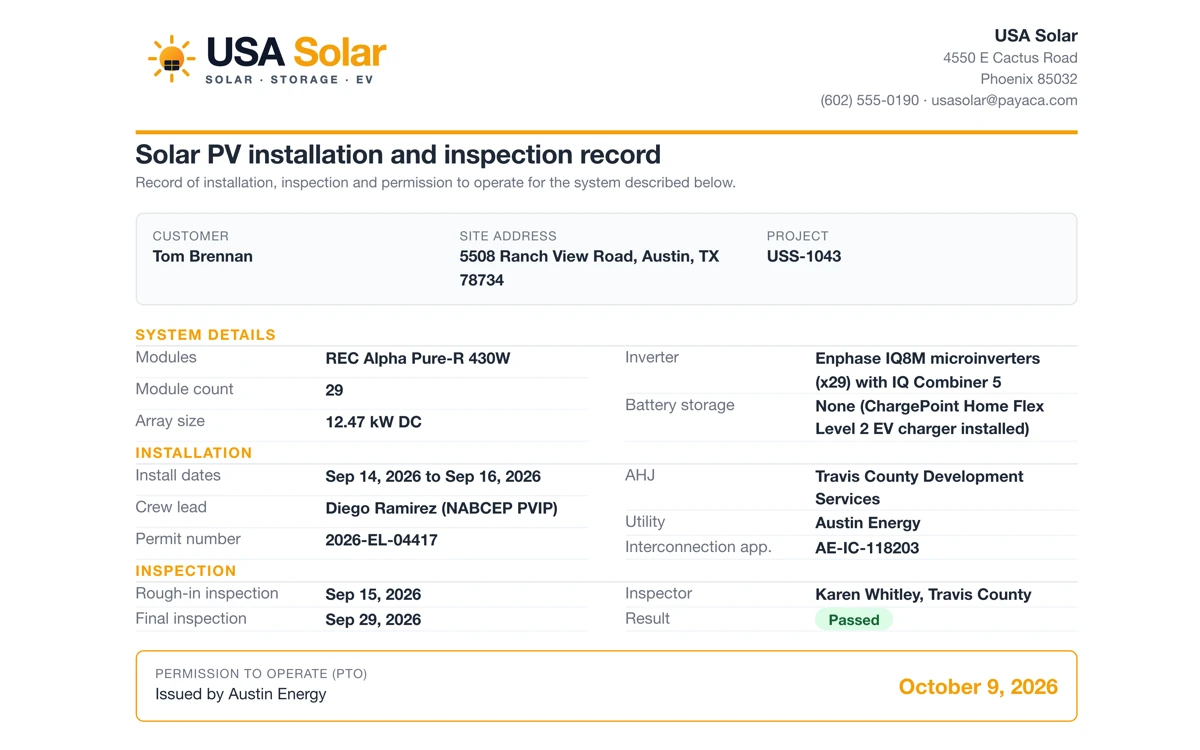
Document templates are HTML layouts that carry your logo and brand color and read the project's details and custom fields when you generate a document. Fill in the fieldset first, generate the document, and it comes out with the answers already on it, multi-select choices and site photos included. Inspection checklists and permit records work the same way.
Share the document to the customer portal and the customer signs it there, or capture the signature on site in the mobile app. A generated document keeps the values it was made with, so the record does not change underneath you when the template does.
Build them with Dave
Ask Dave for a fieldset for your permit and inspection record, or for a commissioning document with the customer's name, the install address, the panel and inverter models and a customer signature. He creates the fields, writes the template and names it, and tells you what he is about to change before he changes it.
He works as the signed-in user, inside that user's permissions. Forms that capture data on site are built in the form builder, not by Dave.
What's included
From the field on the survey to the document the customer signs.
Fieldsets on projects and customers
Group fields into fieldsets on every project or on every customer. The roof belongs on the project. How the customer likes to be contacted belongs on the customer.
Typed fields
Number, text, select, multi-select, date, yes or no, upload and more, so a roof pitch is a number, a roof type is one choice from a list and site photos are uploads, not a line in the notes.
Buttons or a dropdown
Show a choice field as buttons your team taps through on site, or as a compact dropdown for a longer list. Cap how many options a multi-select can take.
Permit and inspection records
Keep AHJ permit numbers, inspection dates and utility interconnection references as fields on the project, not in a spreadsheet next to it.
Branded documents from the answers
Document templates read the project's details and custom fields and fill the document in your branding. Share it to the customer portal for a signature.
Built with Dave
Ask Dave to create a fieldset or write a document template in plain English. He works as you, inside your permissions, and says what he is about to change first.
Frequently asked questions
- What field types can I use?
- Text, long text, email, select, multi-select, yes or no, number, date, web address, upload and user, plus nested fieldsets for grouping. If you need a type that is not there, tell us.
- Can custom fields go on customers as well as projects?
- Yes. Project fieldsets appear on every project and hold the job's data. Customer fieldsets appear on every customer record and hold what is true of that person on every job.
- Can I track permits and inspections with custom fields?
- Yes. Add fields for AHJ permit numbers, inspection dates and utility interconnection references to a project fieldset, and they sit on the job where reports and documents can use them.
- How do custom field values get onto a document?
- Document templates reference custom fields by their identifiers. When you generate a document on a project, Payaca reads the project's fields and custom fields at that moment and writes their values into the document, including multi-select choices and uploaded photos.
- Can customers sign the documents?
- Yes. Select Require customer signature on the template, then share the document to the customer portal, where any of the customer's contacts with portal access can sign it. You can also capture the signature on site in the mobile app.
- Can Agent Dave build fieldsets and templates for me?
- Yes. Dave creates and edits custom fields and fieldsets, and creates and edits document templates, working as you and inside your permissions. He says what he is about to change first. Forms that capture data on site are built in the form builder.
- Can I rename a field once documents use it?
- Yes. The label can change whenever you like. The internal identifier that templates and integrations use is locked once the fieldset is saved, so templates pointing at it keep working.
Ready to run your whole install business in one system?
Growing installers run their whole job on Payaca, from quote to final payment. We'll handle your workflow mapping and data migration.