Responsive forms: Display Select fields as vertical buttons

You can now display Select custom field types as vertical buttons instead of a traditional dropdown.
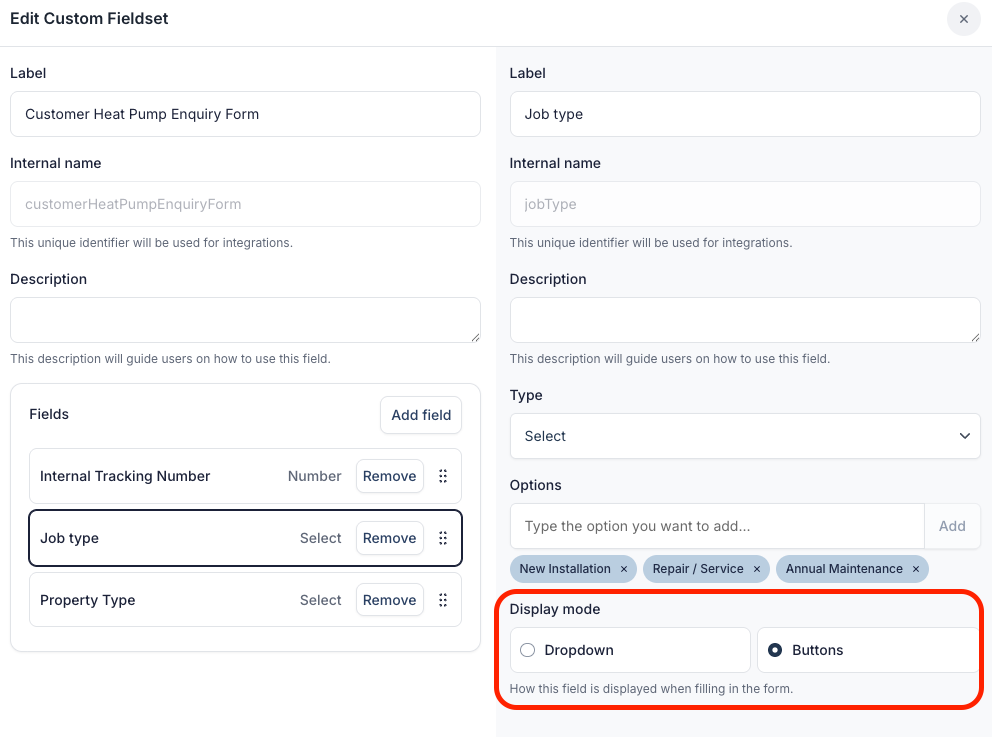
Two display modes
When configuring a Select custom field, you now have a Display setting with two options:
- Dropdown (default) - the traditional select box
- Buttons - vertically stacked, tappable options
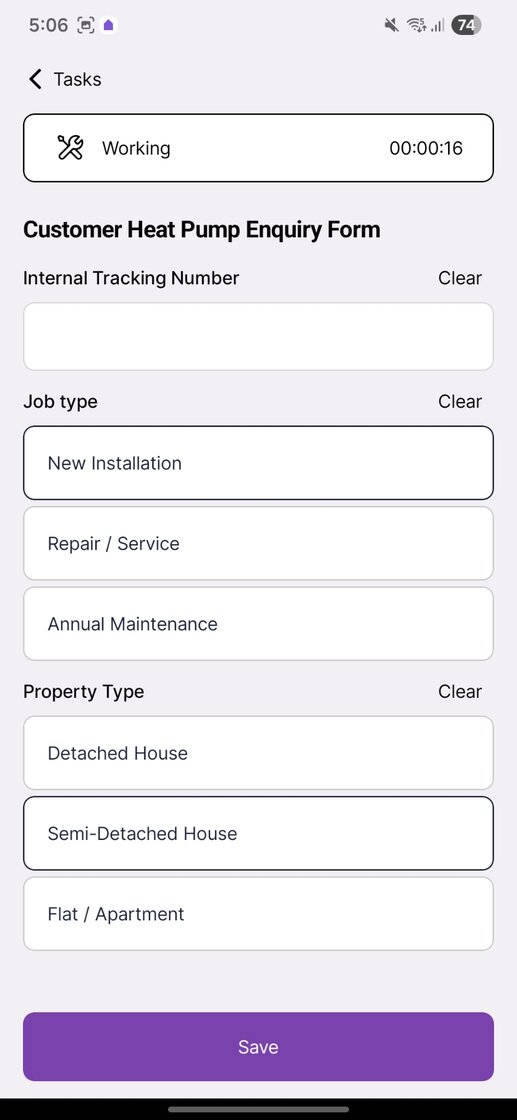
Why buttons?
The button layout makes form completion faster and more intuitive. In the Field Service app, this is especially useful since field teams can quickly tap an option rather than opening a dropdown menu.
This is a small but meaningful UX improvement that reduces friction when filling out forms on-site.