Track the whole working day in the Field App

If your engineers log their whole day, not just their time on site, the Field App now makes engineers lives easier: When an event ends, the app asks what they are doing next, so the next timelog starts at the moment the last one ends.
Choose your own general timelog types
General timelogs cover time that isn't tied to an event, such as the drive home, or a trip to a supplier. You now decide which of your timelog types can be used this way.
Edit any timelog type and switch on general time tracking. Your custom types work too, so your team can pick something like "Travelling home" by the name you gave it.
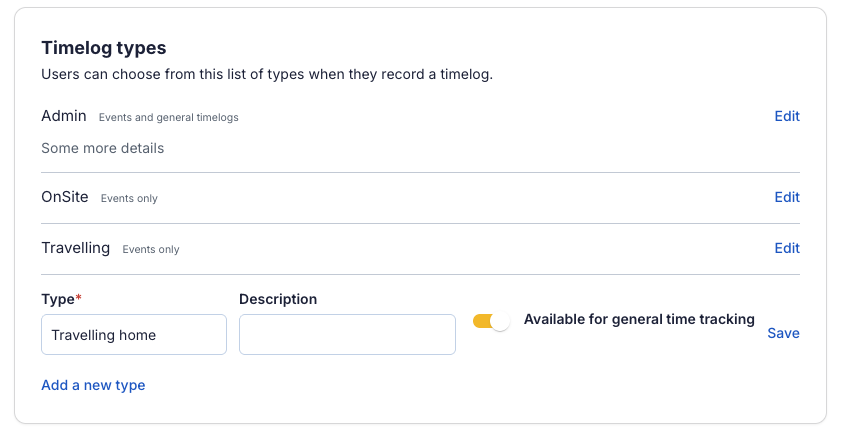
You'll find your timelog types under Company settings → Operations → Field service in the Payaca web app.
One timelog straight into the next
Once at least one type is available for general time, ending an event in the Field App asks What are you doing next? The engineer picks a type, or chooses to stop tracking time.
Engineers can also start general time from today's schedule, switch it to another type as their day changes, and move straight from general time onto their next event without a gap.