Glow draws the roof for you

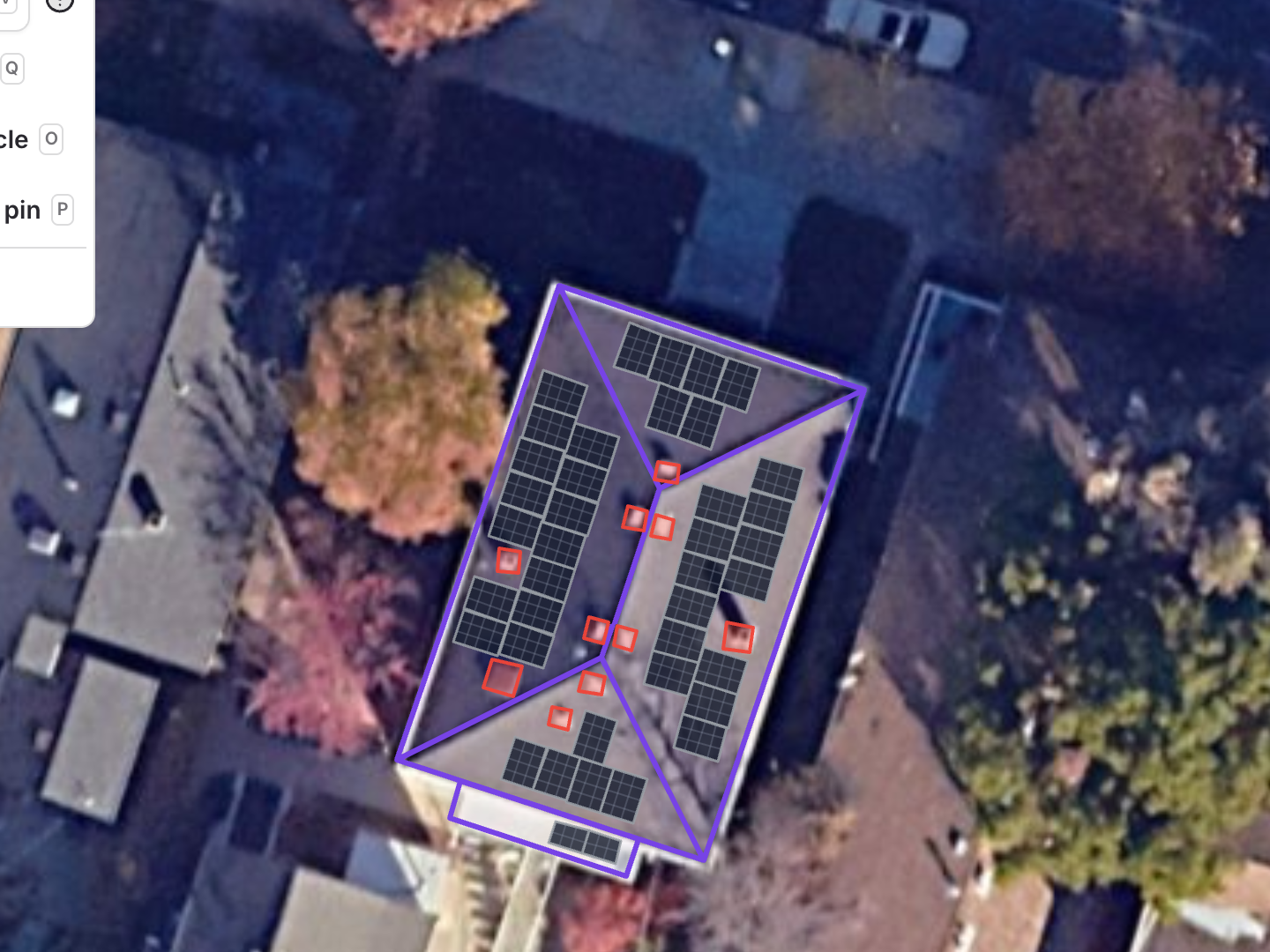
Start a solar design with a pre-populated roof. When Glow analyses a property, it now uses cutting edge AI models to analyse the imagery, identify roof faces and obstacles, and draws them out automatically.
Roof faces ready to check
Glow outlines each roof face and marks obstacles such as chimneys and skylights. Every face is editable: reshape it, move it or delete it if it doesn't match the building.
Pitch and bearing you can trust, or check
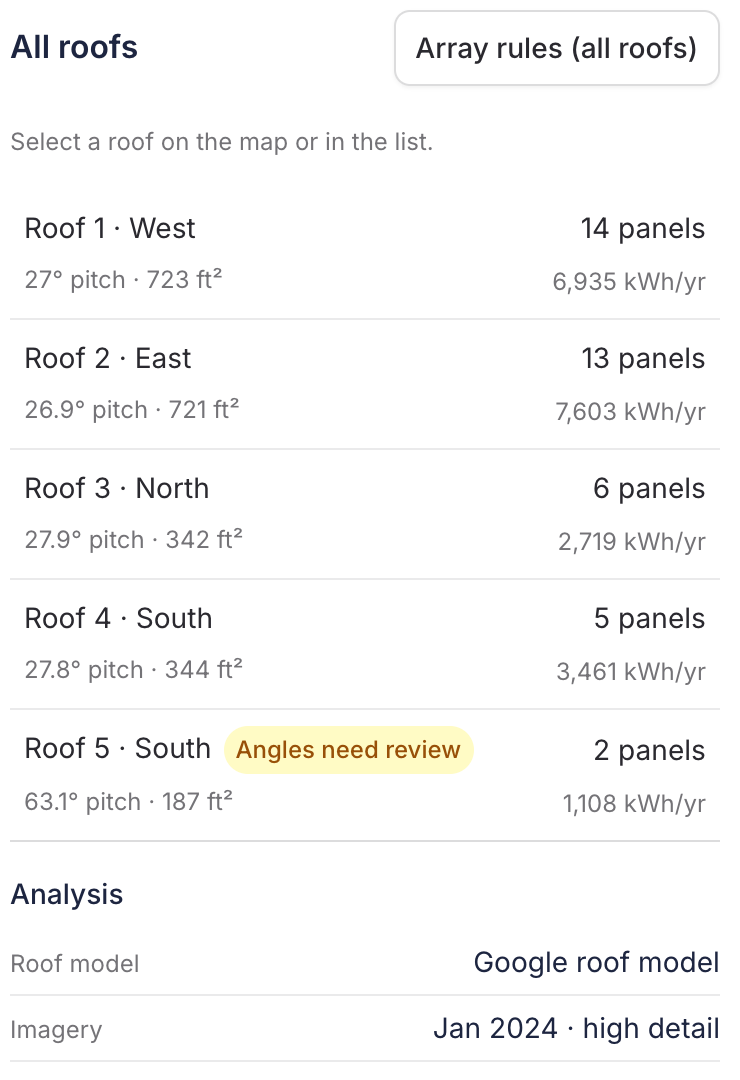
Pitch and bearing for each face are measured from elevation data for the site. Where the measurement is uncertain, Glow marks the roof Angles need review. It still lays panels out using the estimate. Check the angles against your survey and override them if needed.
Panels that line up with the photo
The analysed imagery now shows at every zoom level, in the designer and in the design preview on the project. Panels and roof outlines line up with the photo they were drawn on.
Message our team in Payaca if you'd like early access to Glow for your account.
Want to see this working?
Book a demo and we'll show you on the kind of projects you run, or watch short clips of the app first.