Compliance & documentation
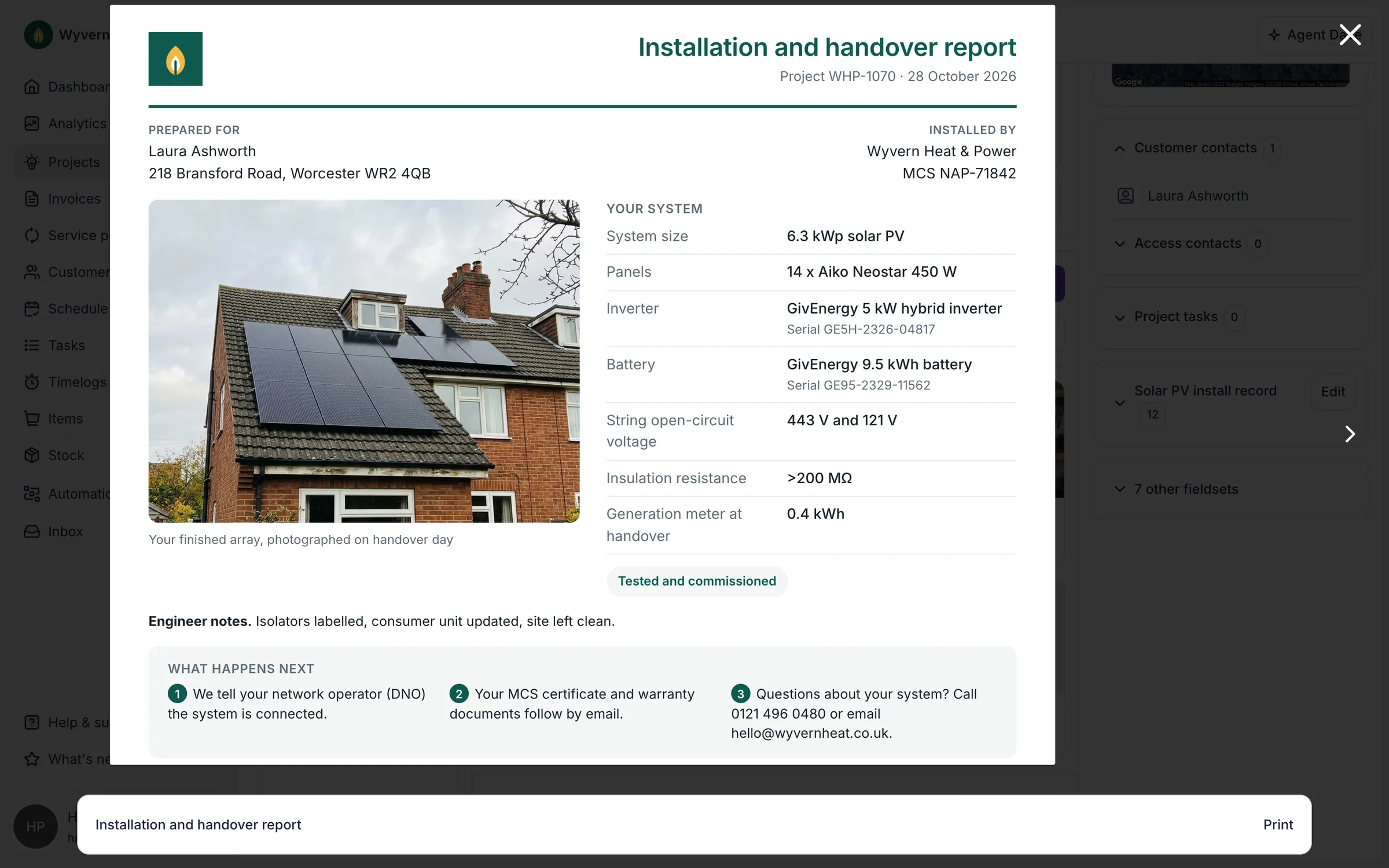
Generate MCS documents and keep every certificate on the job
MCS paperwork, DNO applications and every certificate, generated from the job and kept on it.
“We've always needed different sources for different reporting. We wanted everything in one place.”
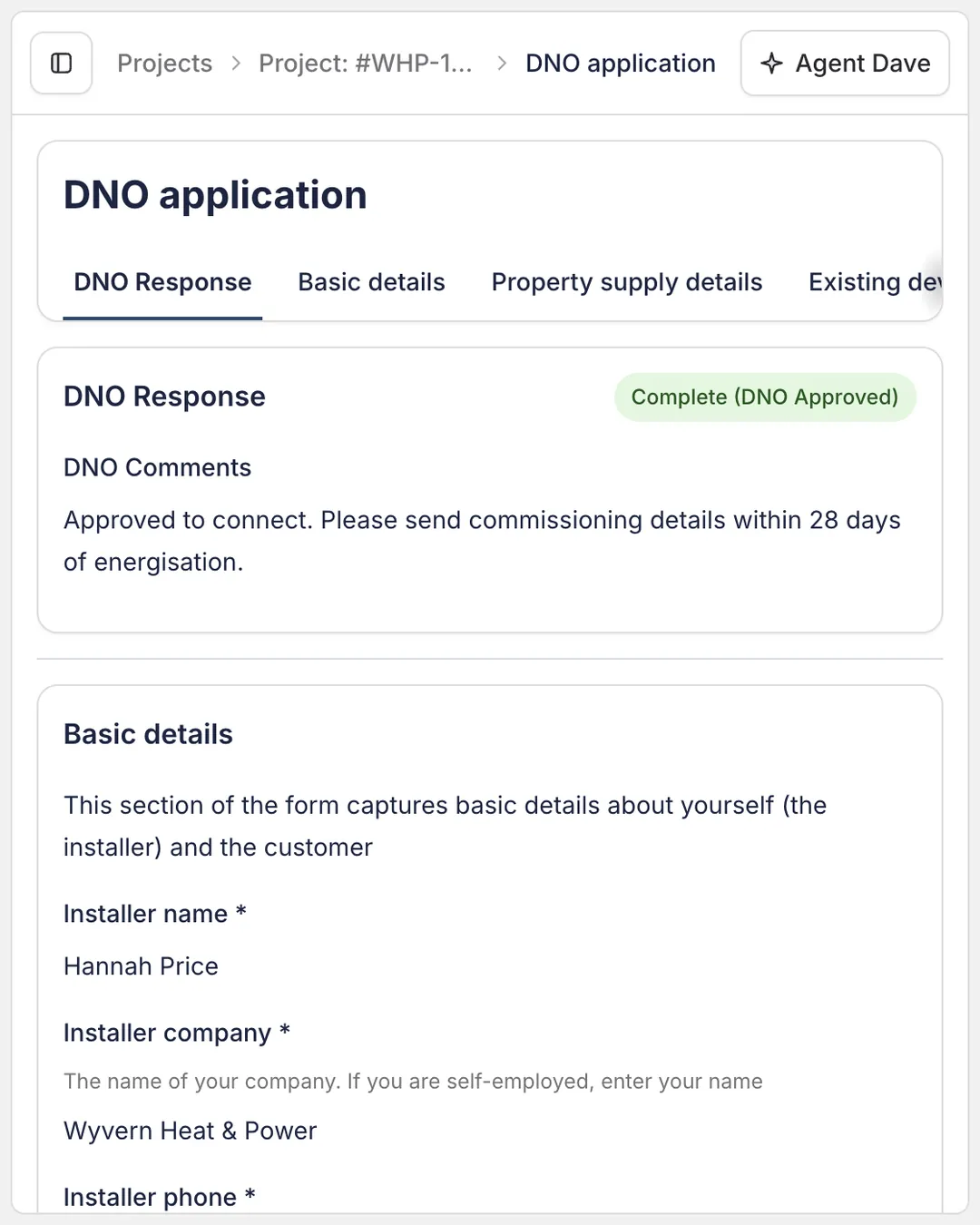
DNO applications on the job
G98 and G99 applications go to the DNO from the project, and the reply lands there too.
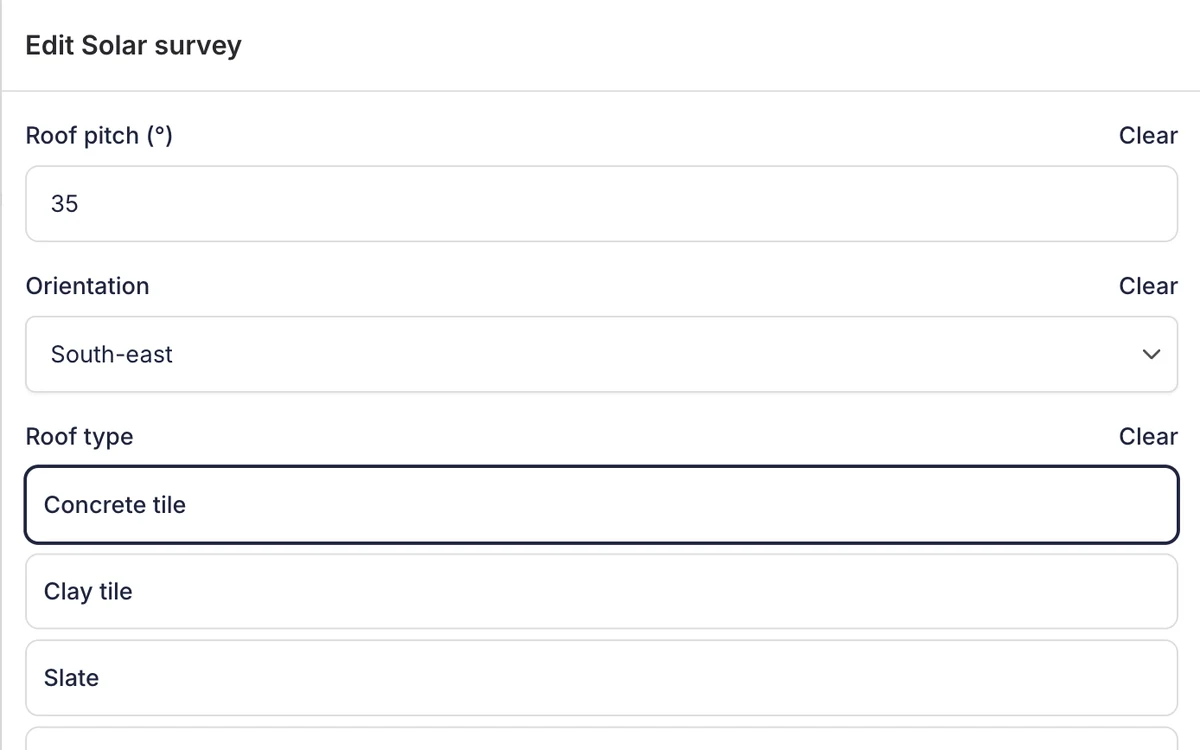
Survey forms that feed your documents
Survey answers are saved as project data, ready for the documents that read them.
Frequently asked questions
- How does Payaca help with MCS compliance?
- Payaca lets you configure MCS-compliant documentation using custom fields and HTML templates. Generate customer declarations, commissioning certificates, and handover packs that pull data directly from your projects.
- Does Payaca support the Boiler Upgrade Scheme (BUS V5)?
- Yes. Payaca captures the photo evidence and commissioning data BUS V5 audits require, and stores it against the project alongside MCS certificates and customer declarations. When Ofgem requests evidence for a voucher claim, the documentation is already organised and accessible.
- Can Payaca look up EPC ratings?
- Yes. Enter a property address and Payaca fetches the Energy Performance Certificate instantly. Show customers their current rating and use the data in your proposals and compliance documentation.
- Does Payaca handle DNO applications?
- Yes. Payaca integrates with ENA Connect to submit G98 and G99 applications directly to DNOs. Track application status, generate commissioning forms, and manage the entire grid connection process from within Payaca. See our Grid Connections feature for full details.
- Does Payaca capture Part L and Part P sign-off evidence?
- Yes. Payaca's custom forms and document storage capture the readings, photos, and engineer sign-offs your Competent Persons Scheme certificate (Part P, Part L) requires. The Competent Person body still issues the certificate, but the supporting evidence lives against the project for Building Control access.
- How does Payaca store compliance documents?
- All certificates, warranties, manuals, survey packs, and compliance documents are stored against the relevant project. Files can be up to 250MB, in the formats installers work in day to day (PDF, CAD, images, spreadsheets and more). Your team can access them from any device, and everything is organised and audit-ready.
- Will Payaca help me pass an MCS audit?
- Payaca helps you maintain organised, complete records that MCS auditors expect. With documentation templates, form capture, and centralised file storage, your installation records are always audit-ready.
- Can Payaca keep compliance tasks from slipping between jobs?
- Yes. Pair task templates with automations and the compliance chain runs itself: when a job reaches the right stage, the DNO application, commissioning, and handover tasks are created assigned by default (to a named person or whoever owns the project) with deadlines already set. The steps that used to depend on someone remembering to fill in two fields now land on the right desk with a clock on them.
Read more
Custom fields and documentsDedicated onboarding available
Ready to run more installs without losing control?
Growing installers run their whole job on Payaca, from design or enquiry to payment. We'll handle your workflow mapping and data migration.
- Dedicated onboarding
- Data migration support
- AI + human support