Custom Field guards on Pipeline Stages

Pipeline Stage guards can now check the data on a Project, not just its structural state. Pick any Custom Field as the condition for a Stage, and Projects will only progress when that field meets the rule you've set.
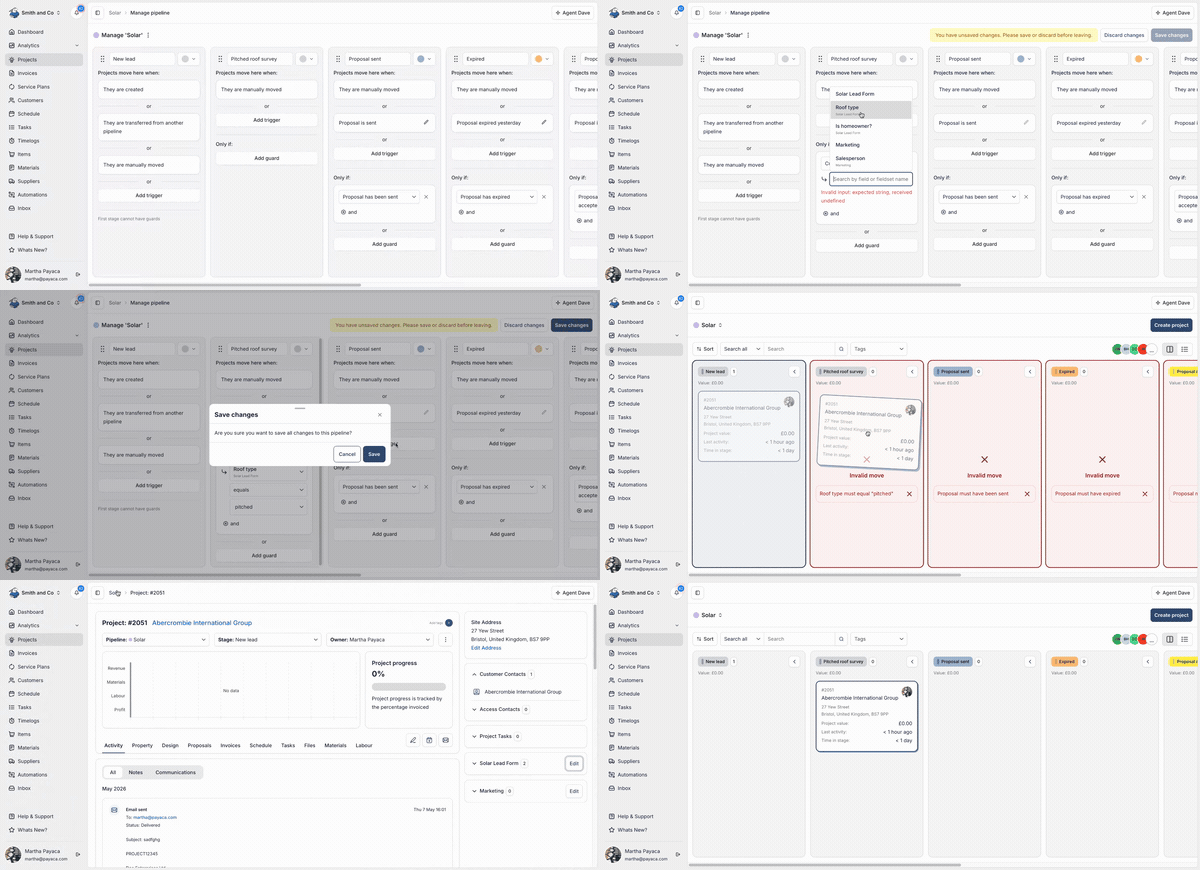
The new conditions
When you pick a Custom Field as a guard, the conditions you can set depend on the field's type:
- Equals / does not equal - the field's value matches, or doesn't, a value you configure. Available for text, number, email, boolean, select, and user fields.
- Is set / is not set - the field has a value, or doesn't. Available for any field that isn't a Custom Fieldset itself.
- All children are set / all children are not set / any child is set - every field inside a Custom Fieldset has a value, none do, or at least one does. Available for Custom Fieldsets, including nested ones.
You can stack any combination of these on a single Stage, mixed with the tag and Project guards you already had.
Examples
- Block a "Booked for install" Stage until a Project's
installationDetails.panelTypefield has a value - Block a "Survey complete" Stage until every field in a Project's
preInstallSurveyFieldset is filled in - Block a "Sent to DNO" Stage until a Project's
mcsCertNumbermatches one of your approved formats
This builds on the Stage guards we shipped in the Pipelines upgrade and pairs with Nested Fieldsets: a single guard can now require a whole survey section, instead of a check per field.