Add owners, tags and notes to enquiry forms

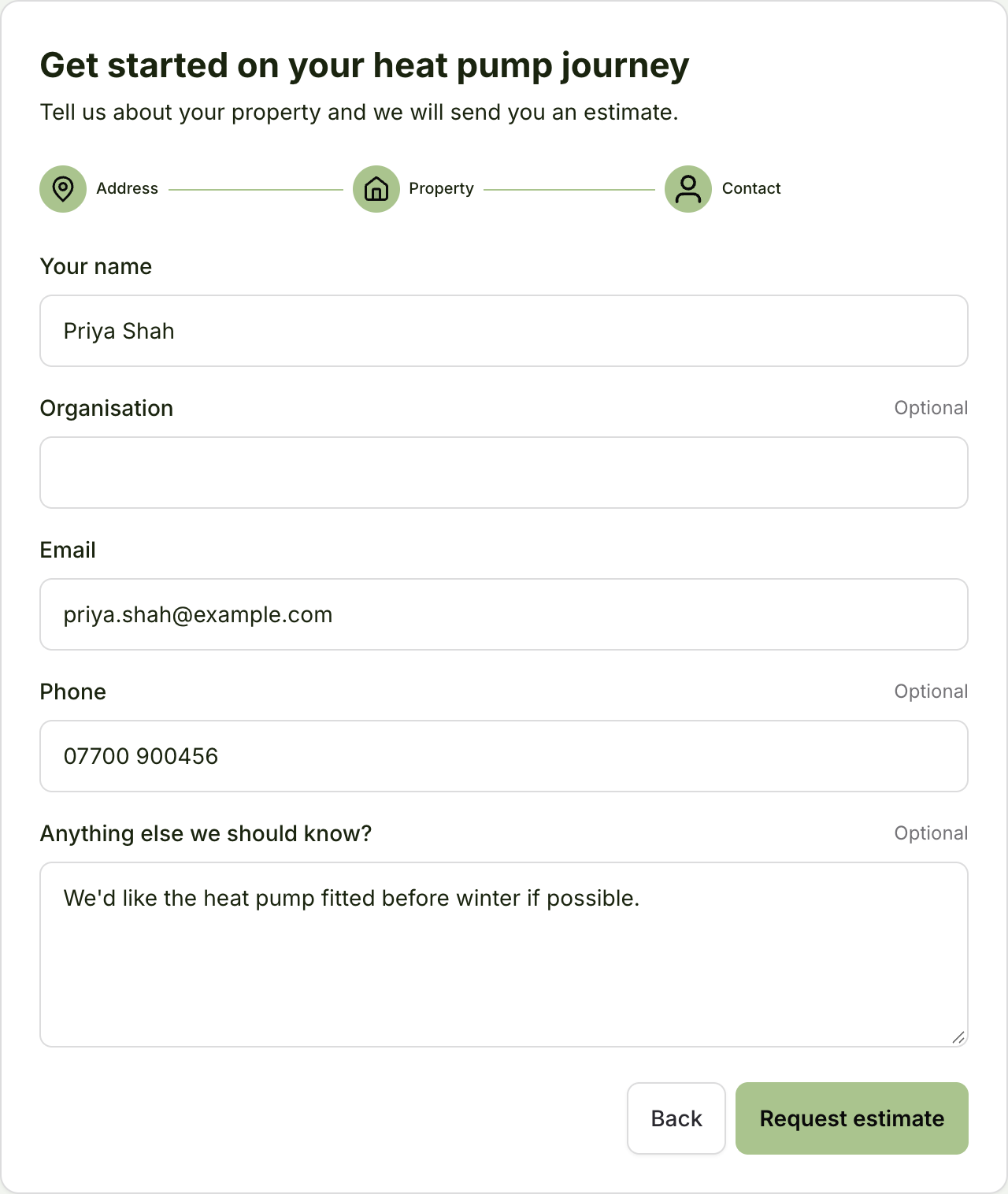
If you use enquiry forms to capture incoming leads, you can now have the project automatically assigned to an owner, with tags applied. You can also add an "Anything else we should know?" box to the form, to capture extra details from the customer.
What enquiry forms do
An enquiry form is a public page where customers can ask you for an estimate or quote. Each submission creates a project in the Payaca pipeline you choose, so nobody has to type the lead in. You can send customers the link, or embed the form in your own website.
An owner for every lead
Give a form an owner and every project it creates goes to them, with a notification to let them know they have a new lead to follow up. This makes it simple to give each Sales Agent their own link.
Tags that drive automations
Each enquiry form can add a set of tags to any projects it creates. This lets you:
- filter your projects by source
- see which channels bring in the most work
- run different automations for different sources
Let customers tell you more
You can also give customers an optional free-text box to tell you anything else about their enquiry. It'll be added to the project as a note.
Get started
To set up an enquiry form, just ask Agent Dave to "create an enquiry form", and it'll guide you through the rest.